

iPhone Application
Customer Platform

A focused Zoho Creator experience connects visual bakery discovery with cake-design selection, custom cake configuration, customer information and structured order management — giving the journey a clear path from inspiration to order.
The ChocaL8kiss experience combines the customer-facing Apple application experience with Zoho Creator as the application platform for structured ordering and order management.


ChocaL8kiss is presented here as a cake and bakery ordering experience centred on visual discovery and structured selection. The application brings bakery items and cake designs into one customer-facing ordering page, then carries the selected product or design into a detailed order form where customer information and available cake requirements can be captured together.
Bakery items and cake designs need to be easy to scan visually, with category, description, availability and price available at the point of discovery.
Cake orders can require decisions around cake type, weight, design, flavour, frosting or spread, and the number of layers.
Layer-level details, toppings, a custom message and a reference image can be part of the order, so the requirements need a structured place to live.
Customer contact details, product choices, quantities, pricing and order status need to resolve into one order record that can be reviewed and updated.
The Customer Ordering page starts with available bakery items and custom cake designs rather than a blank order form.
Images, categories, descriptions and base prices make the catalogue scannable before the customer commits to an order.
Cake designs can be selected directly from the visual catalogue and passed into the order form.
The order form separates bakery details, cake details and notes so the configuration stays structured.
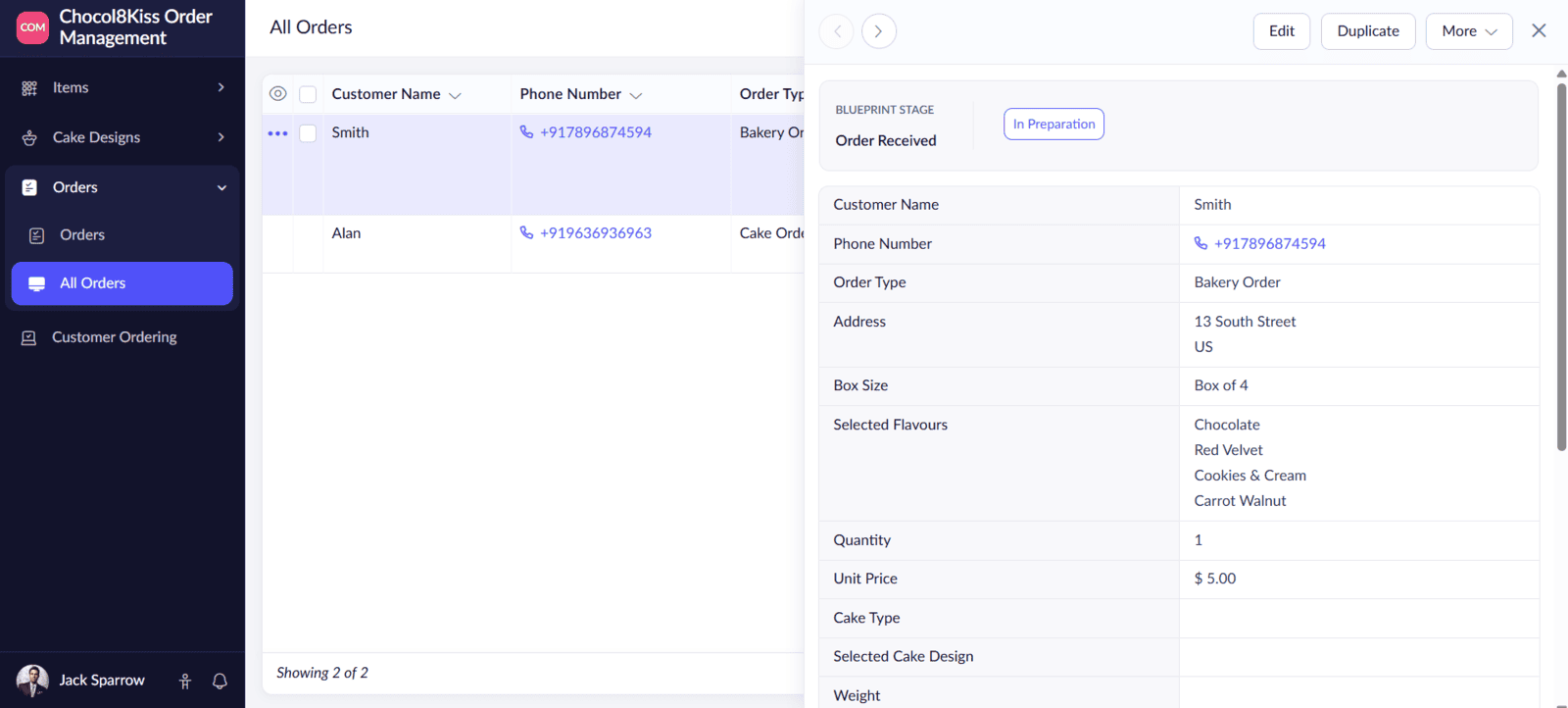
Name, phone number, address and order type sit alongside the product and cake selections.
The order includes a status field and a defined progression from Order Received through Delivered.
See available bakery items and cake designs.
Review image, category, description, availability and base price.
Start a bakery order or select a cake design.
Configure supported cake and layer requirements.
Capture name, phone, address and order type.
Bring selections, pricing, notes and status into the order record.
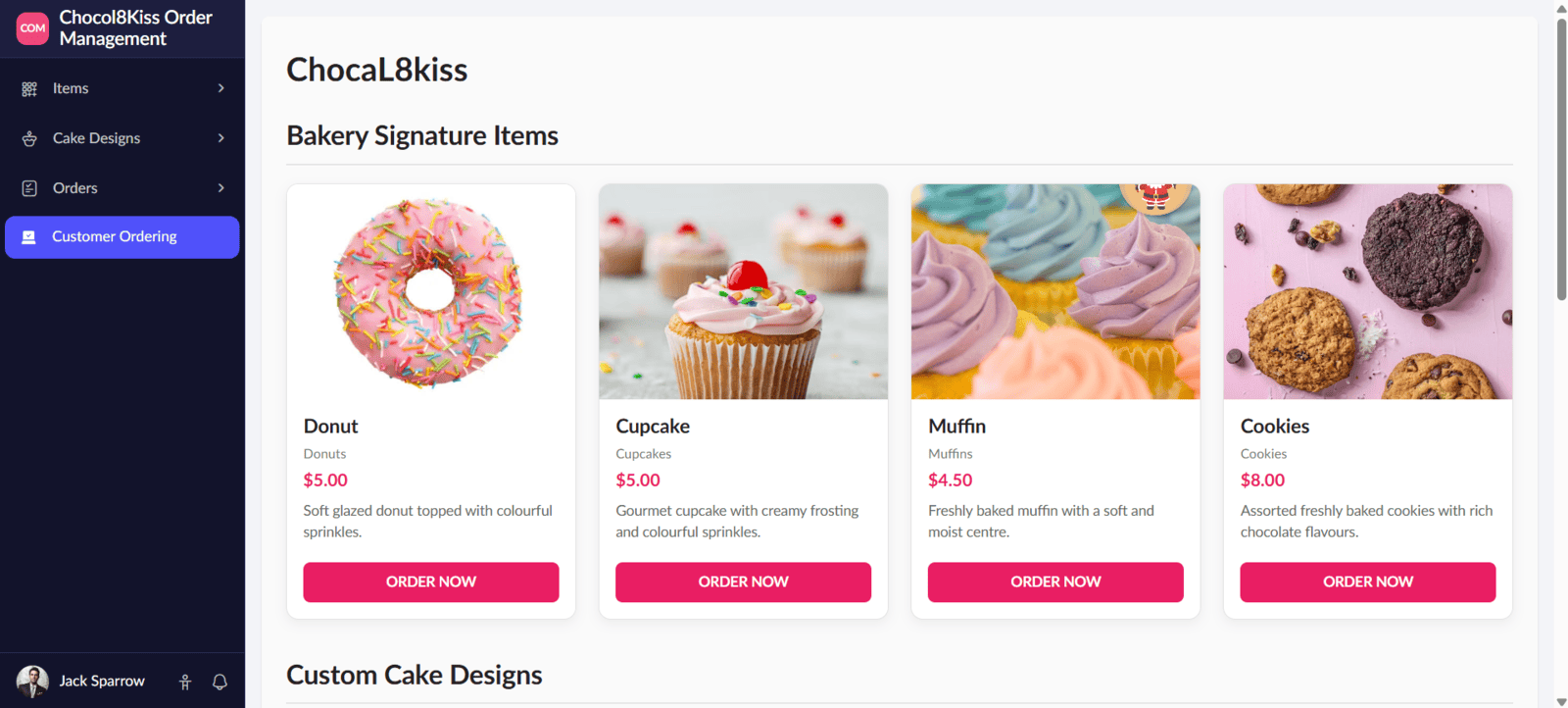
The Customer Ordering page renders available Items as visual cards. Each card surfaces the item name, category, base price, description and image, with an Order Now action that opens the Orders form as a Bakery Order and carries the selected item into it.
The item catalogue supports Cupcakes, Muffins, Donuts, Pastries, Cookies, Brownies and Desserts.
Only items marked available are rendered on the customer ordering page.
Choosing an item starts the order with Order Type set to Bakery Order and the selected Bakery Item carried forward.
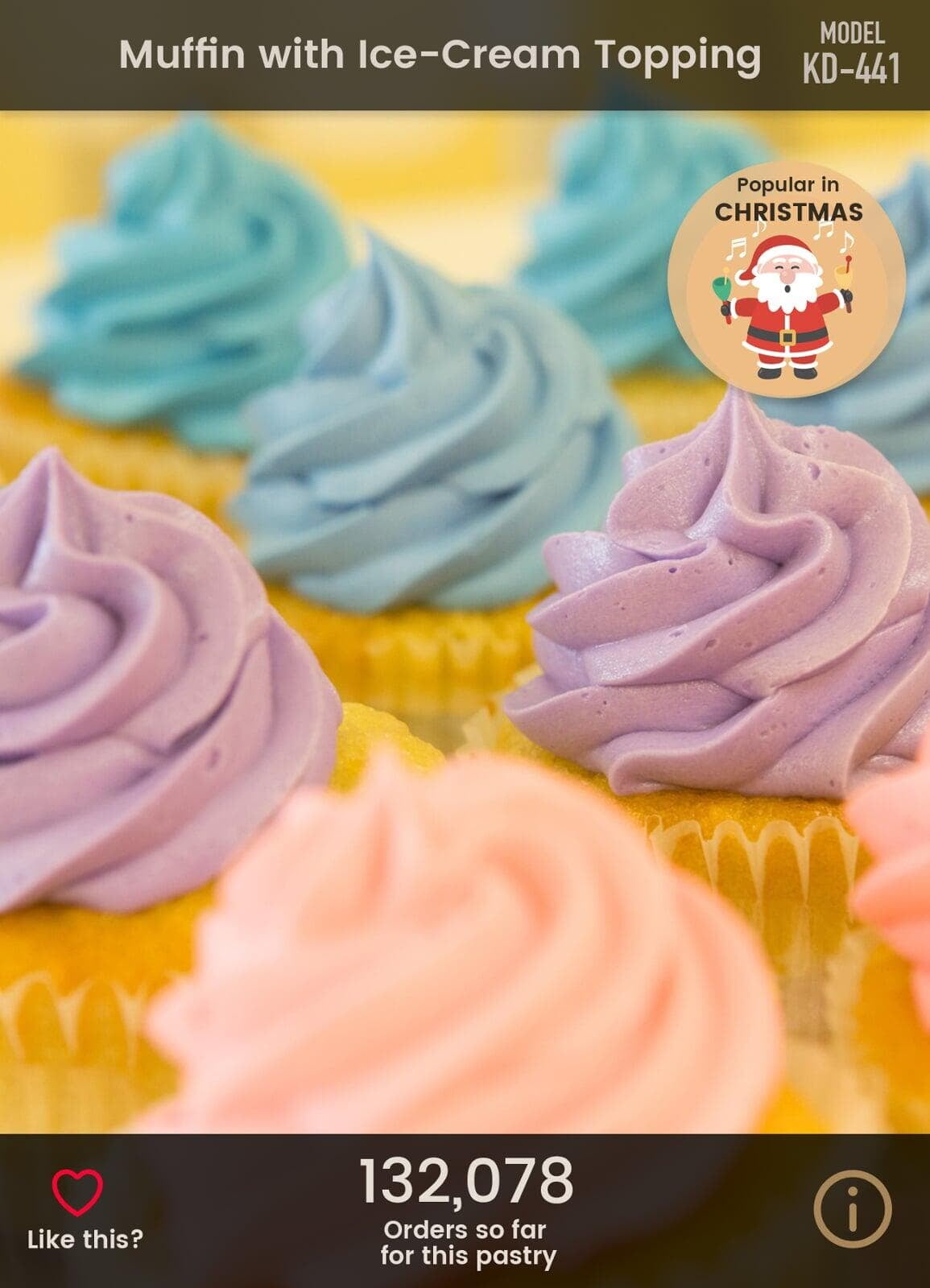
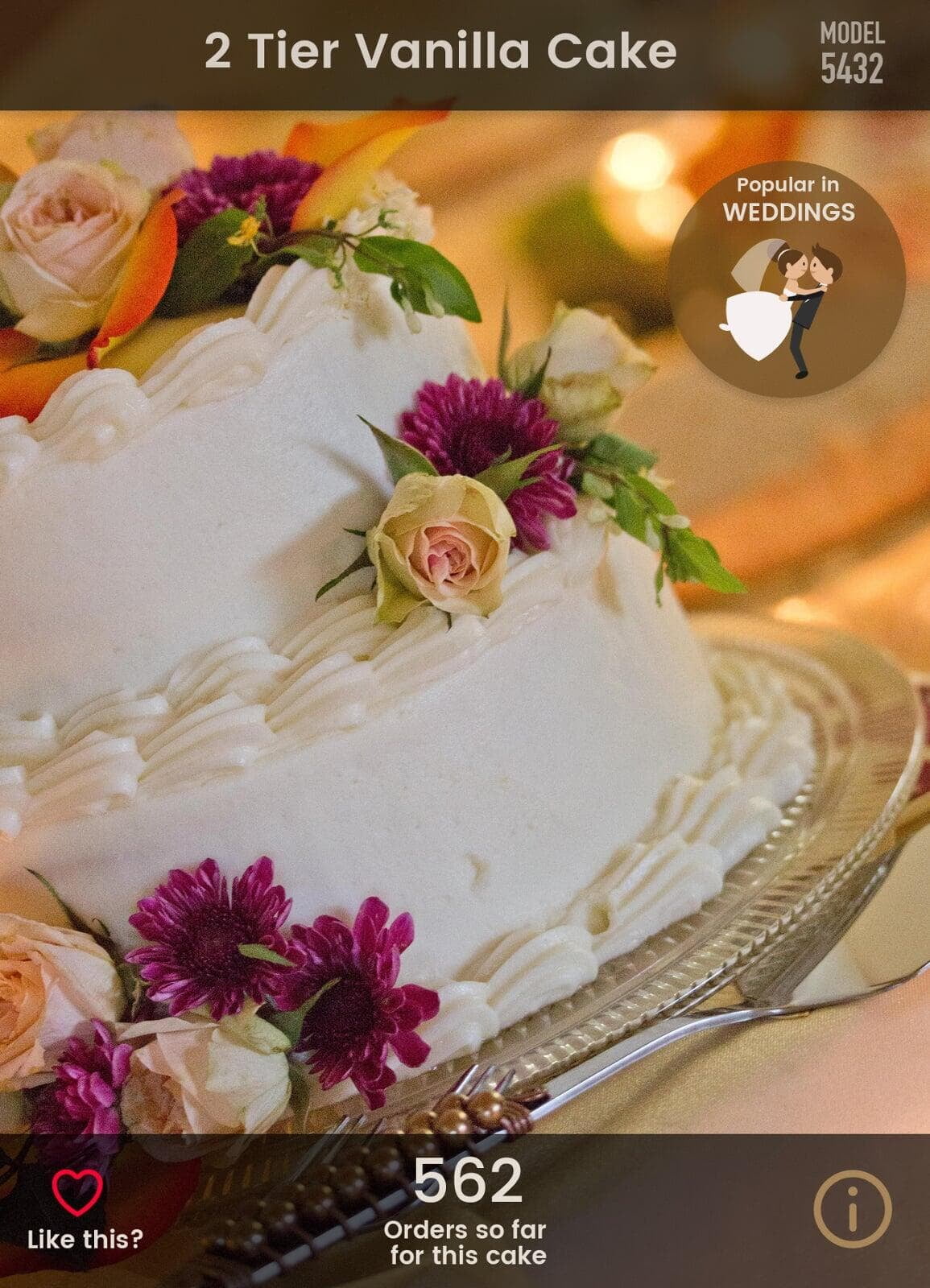
Cake designs are catalogued with occasion-specific categories, descriptions, base prices and reference photos, allowing customers to browse visual inspiration and begin customization immediately.




When a custom cake design is selected, the order form activates dedicated configuration fields across tiers, flavors, spreads, and custom messaging.
Flavor, weight, cake type, and frosting selections.
Configure flavors and fillings per layer tier.
Bakery staff manage all incoming orders through a centralized Zoho Creator report with real-time status management, detailed customer information, and delivery tracking.
Order Received → In Preparation → Ready for Pickup / Delivery → Delivered
| US | +1 707 722 2525 |
| Europe | +45 36 96 49 29 |
| UK | +44 20 3287 0660 |
| Australia | +61 8 8120 0288 |
| India | +91 99628 38338 |

live:hello_19674

hello@cubeyogi.com

